 GatherPoint.church
Everything attendees need for a church weekend away or conference
Nothing to install. No logins. No attendee accounts.
Easy to use programme
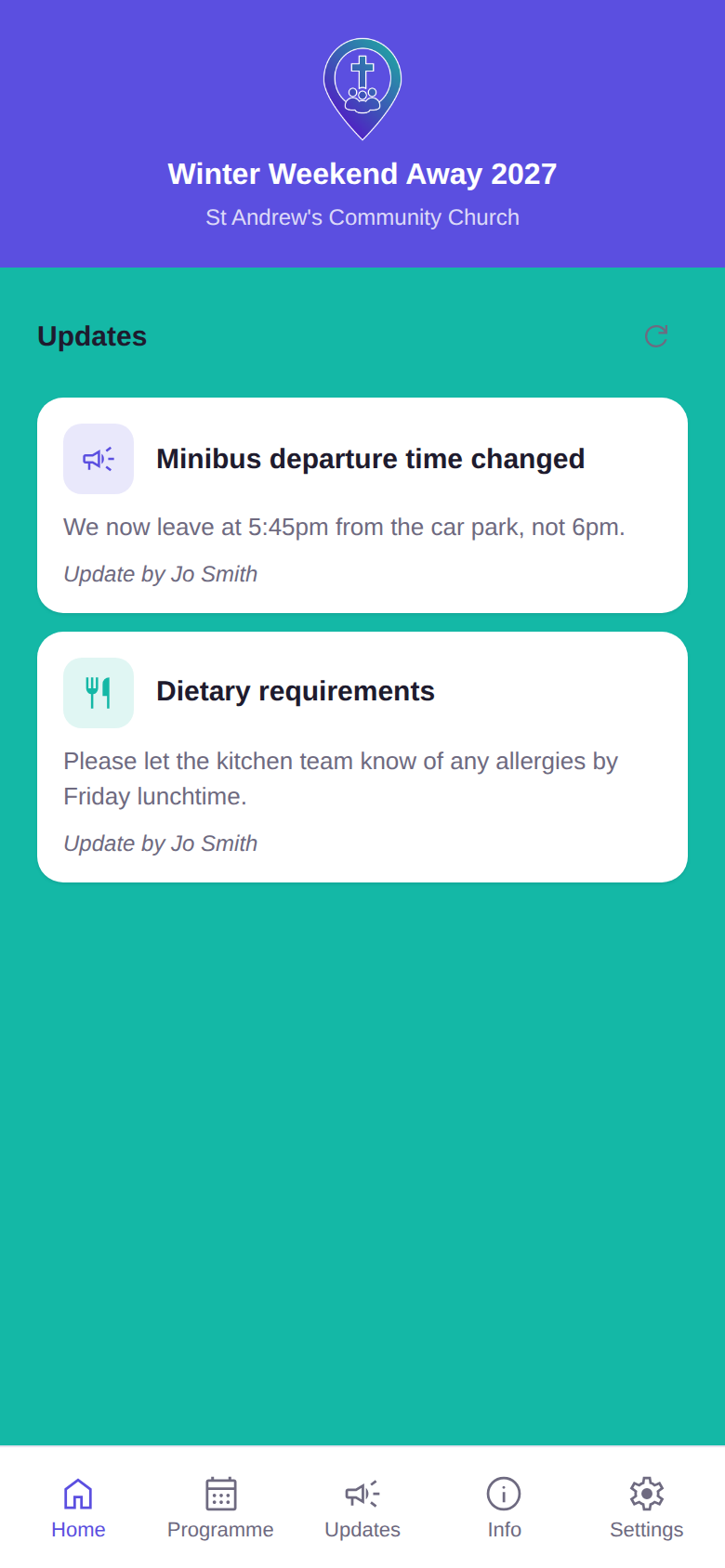
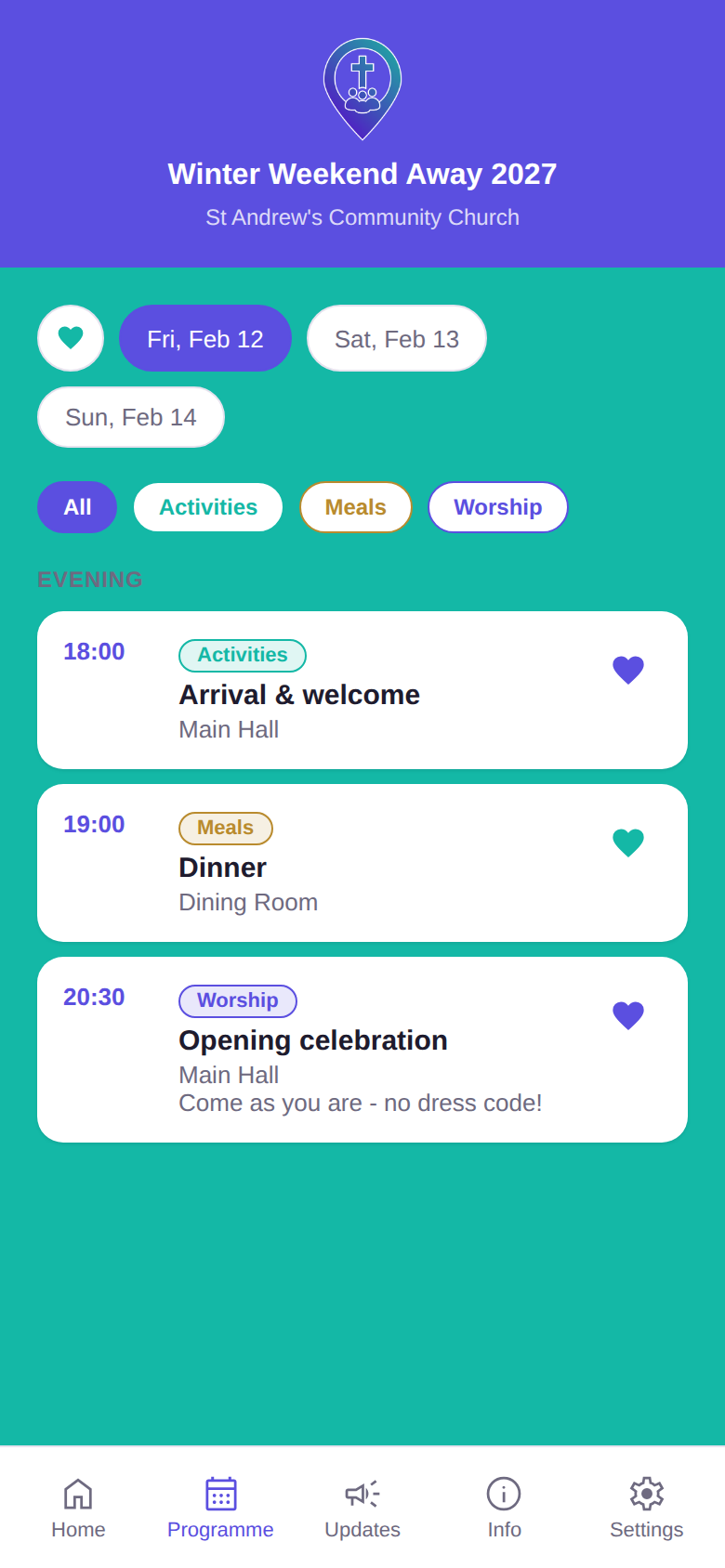
Organised by date, items grouped into your chosen categories, always showing what's current — not a photocopy from Tuesday. All configured and updatable in an easy to use organisers admin panel.
Updates to keep everyone in the know
Got a change everyone needs to know about? Create a notification to be displayed for attendees to see — no group chat for people to dig through to find the information they need.
Branded to your event or organisation
Your event or church's own logo and colours, shown throughout — attendees see your event, not a generic template.
A personalised schedule for attendees
Attendees favourite items on the programme to craft their own schedule. Organisers have the ability to anonymously see the number of favourites for an item, helping to guide room allocations and planning.
No app, no account, just a link
Attendees tap a link, enter an event code, and they're straight in — nothing to download, nothing to sign up for, no accounts
Privacy-respecting
No attendee accounts, and no personal information collected beyond what's needed — just a first and last name for anyone taking on a rota assignment. Everyone else stays anonymous, with none of the privacy worries of a shared group chat.
Volunteer rotas, sorted
Organisers create roles against programme items or standalone jobs and assign people to fill them. GatherPoint.church catches clashes automatically, tracks how many people each role still needs, and can cap how much any one volunteer takes on across the event. Attendees see their own assignments right in the app.
Countdown timers for key moments
Organisers can create one or more countdown timers — build anticipation ahead of a session starting, an activity kicking off, or the big reveal. Attendees see them live, right in the app.
Simple for organisers to run
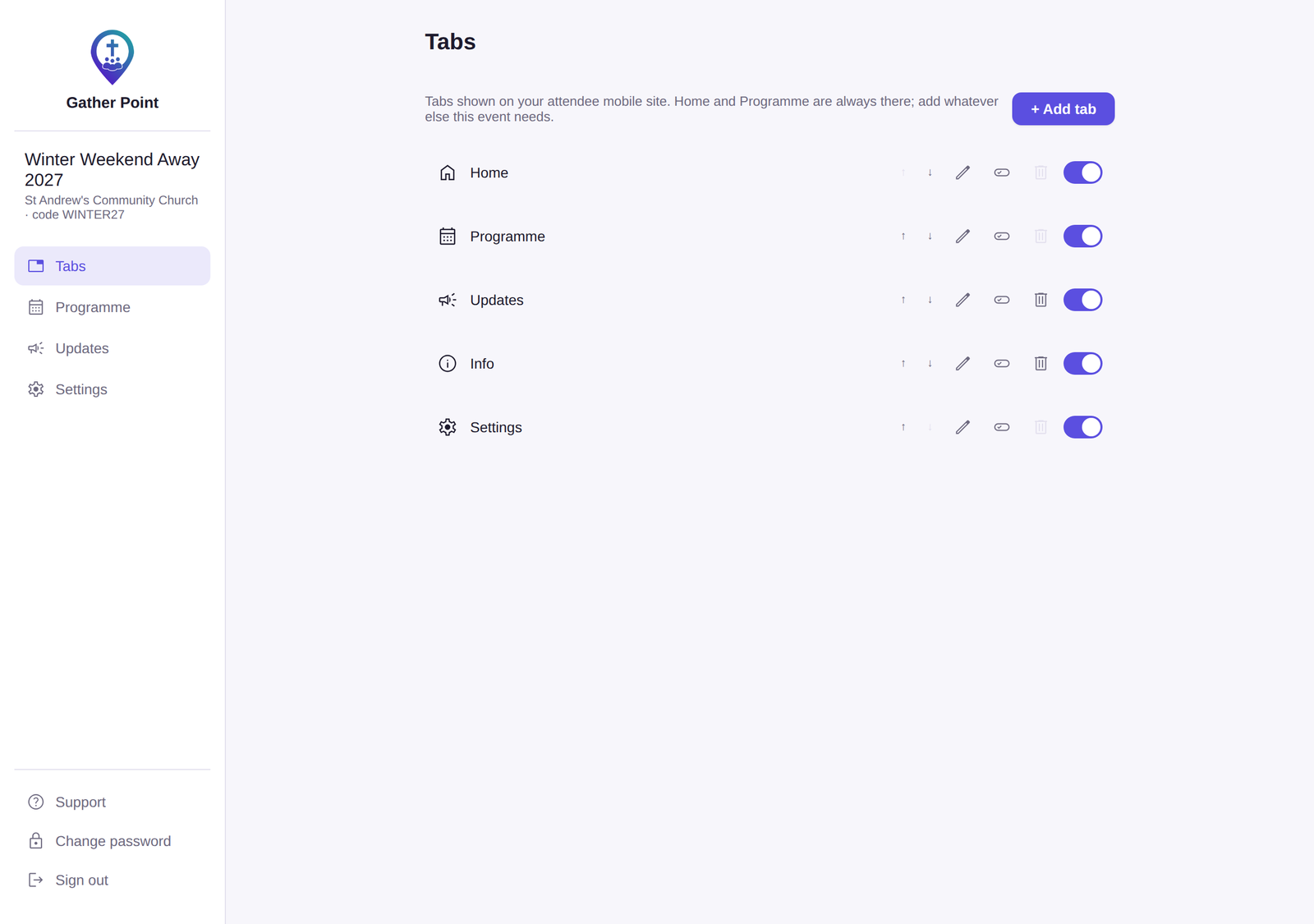
A clean, intuitive admin panel gives organisers full control of branding, colours, programme, updates, tabs and content — no technical know-how needed.
What it looks like
Easy for organisers to manage
Organisers have access to an admin panel to configure GatherPoint.church using a simple and intuitive dashboard. Control the branding, colours, programme, updates, tabs, content and more. Easily schedule notifications, create them on-the-fly during events, and update the programme at any time.
Running a rota? Create roles against programme items or standalone duties, then assign your volunteers to fill them. GatherPoint.church handles the fiddly bits for you — flagging clashes, tracking how many people each role still needs, and letting you cap how much any one volunteer takes on across the event. By entering a surname and code, attendees can enable access to see all their rota assignments. When you need a paper copy, everyone's assignments export to PDF in a couple of taps.
Ready to talk?
Drop us a line with any questions and to begin using GatherPoint.church for your event.
Get in touch